> For the complete documentation index, see [llms.txt](https://docs.candychain.com/llms.txt). Markdown versions of documentation pages are available by appending `.md` to page URLs; this page is available as [Markdown](https://docs.candychain.com/ecosystem/brand-and-logos.md).
# Brand & Logos
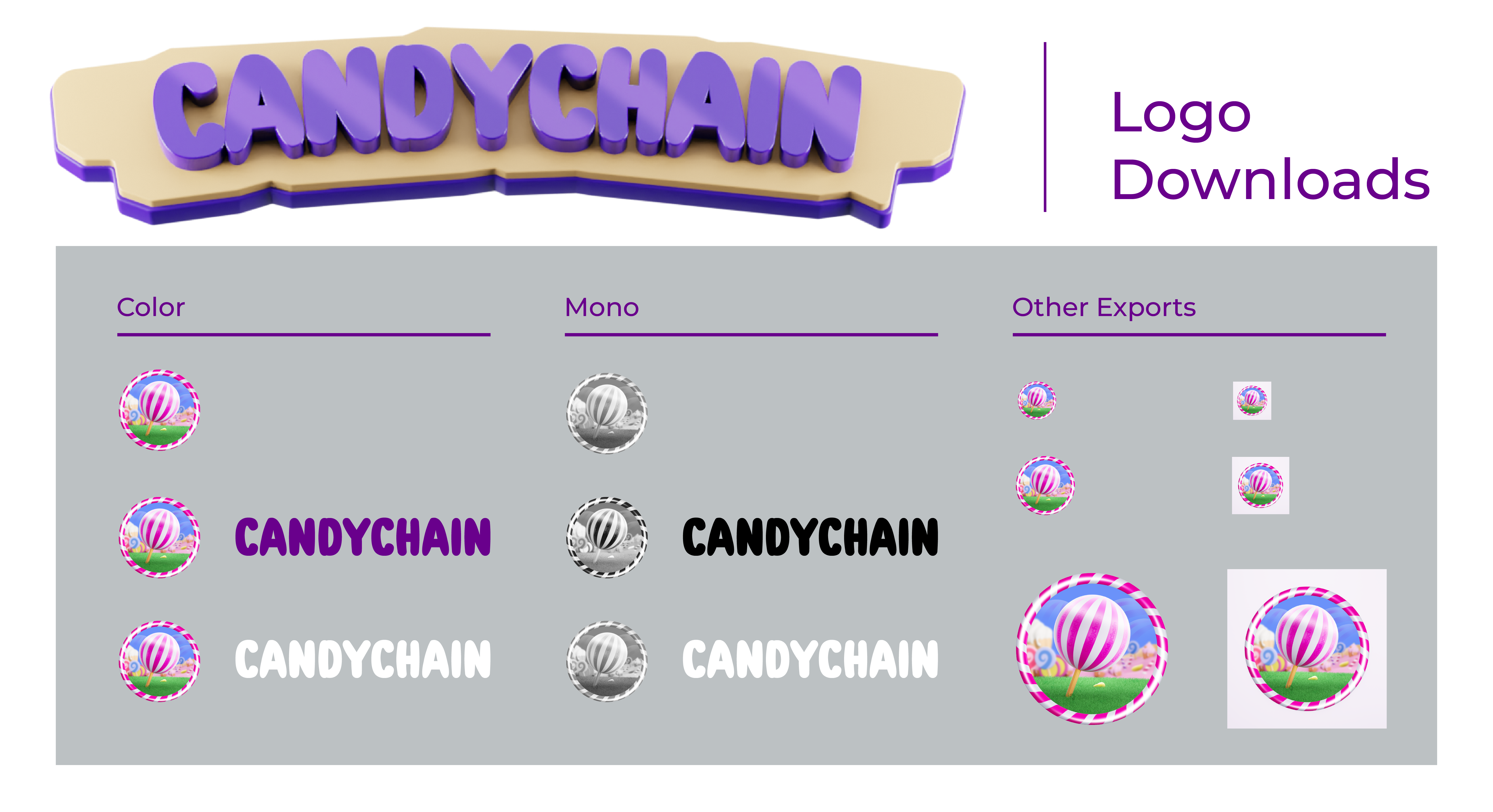
This docs page provides guidelines on how to use Candy Chain's brand logos. It outlines the available logo versions, including full-color, monochrome, and various formats.
## Using Candy Chain Brand Logos
Welcome to the Candy Chain documentation! This page is your guide to using the Candy Chain brand logos, ensuring that they appear in a manner consistent with our brand guidelines.
### Available Logo Versions
We offer several versions of our brand logo to accommodate different use-cases:
1. **Full Color**: Best used in contexts where a multi-color display is feasible and matches the brand's primary color scheme.
2. **Monochrome**: Available in black and white, ideal for single-color print jobs or where color is restricted.
3. **Horizontal and Vertical Layouts**: For flexibility in different spatial settings.
4. **SVG and PNG Formats**: SVG for web and any scalable needs, and PNG for general use.
5. **Icon Only**: Our logo minus the text, ideal for smaller spaces or mobile displays.
### Accessing the Logos
You can download all versions of our brand logos from our [GitHub repository](https://github.com/candychaincoin/logos).
{% file src="/files/iKmvRkTrswHqXVKYXZSY" %}
### Guidelines for Using Our Logos
#### Do's
1. **Maintain Proportions**: Always scale the logo proportionally; do not stretch or compress.
2. **Minimum Size**: Ensure that the logo is not smaller than 100px in digital formats or 1inch in print.
3. **Contrast**: Always place the logo on a background that provides adequate contrast.
4. **Space**: Always maintain a buffer zone around the logo that is at least 50% of the logo's size.
#### Don'ts
1. **Don't Alter**: Do not rotate, add effects, or alter the logo's colors.
2. **Don't Combine**: Never use our logo closely tied with another logo or graphic.
3. **No Complex Backgrounds**: Do not place our logo on a busy or textured background.
### Specifics for Developers
#### Ethereum, Binance, and Polygon Smart Contracts
If you are using our logo within a dApp, smart contract, or other blockchain-related project, please be sure to use the versions found in the official repositories:
* [Ethereum Smart Contract](https://etherscan.io/address/0x70a8546f70d404afa13912cd4f35584f56fe03cc)
* [Binance Smart Chain Contract](https://bscscan.com/address/0x3ba5cabd330ed172991b645df91bb8b29a9214f0#code)
* [Polygon Smart Contract](https://polygonscan.com/address/0x3ba5cabd330ed172991b645df91bb8b29a9214f0#code)
### Need Help?
For any additional inquiries or for custom permission, you can reach us through the following channels:
* **Email**:
* **Twitter**: [Candy Chain Twitter](https://twitter.com/CandyChainCoin)
* **Telegram**: [Candy Chain Telegram](https://t.me/CandyChainCoin)
Thank you for supporting Candy Chain and adhering to our brand guidelines!